
Change Password
To update your password, please follow these steps below.
IMPORTANT:
Any multi-post staff will need to bypass the forgotten password link and contact E-rostering Support directly. at erosteringsupport@nhsbt.nhs.uk who will provide them with a password reset.
To update your password, please follow the steps below.
Go to the Self-Service Menu,
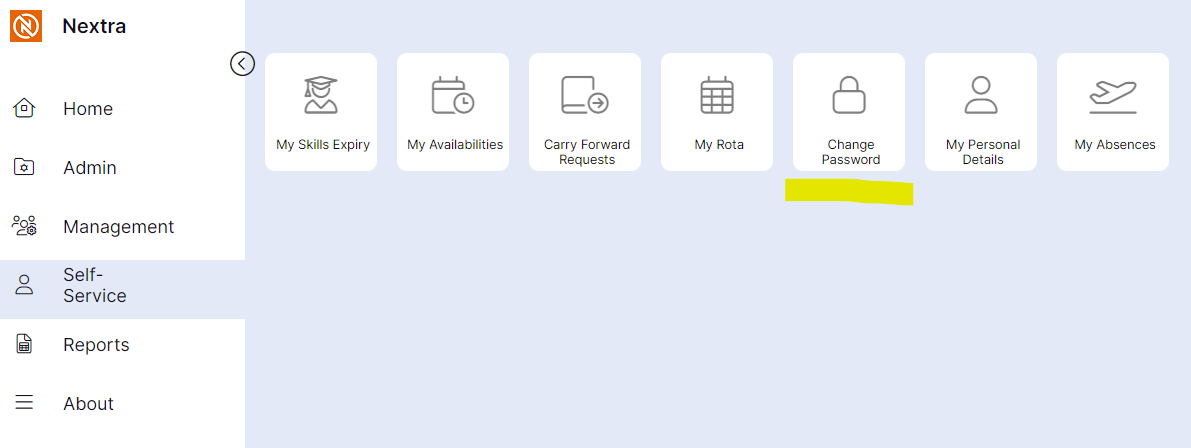
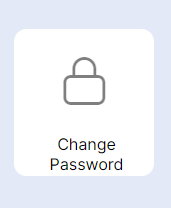
Step 1 – Select the Change Password icon.
Step 2 – Enter your existing password into the old Password field.
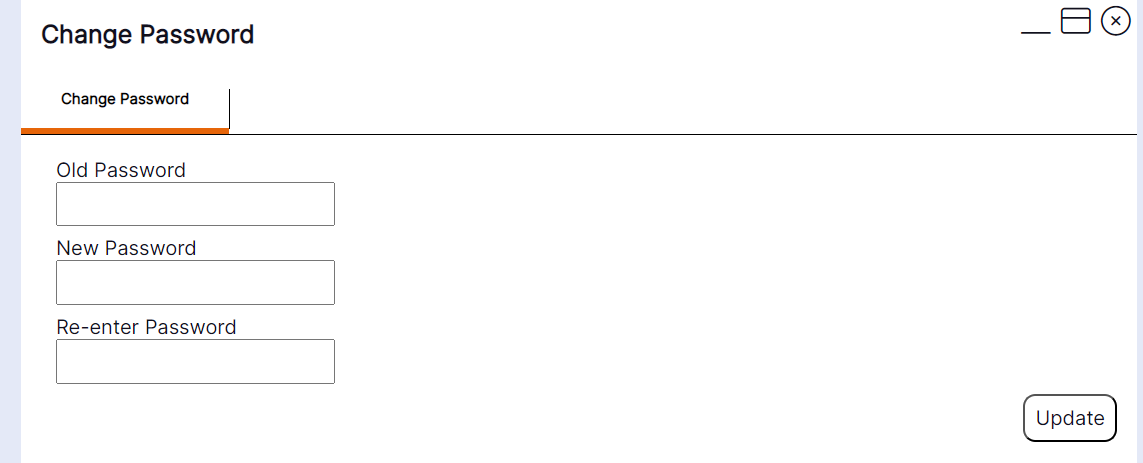
Step 3 – Enter your new chosen password into the new password field then re-enter again below.
Step 4 – Once all fields have been entered, please select update.
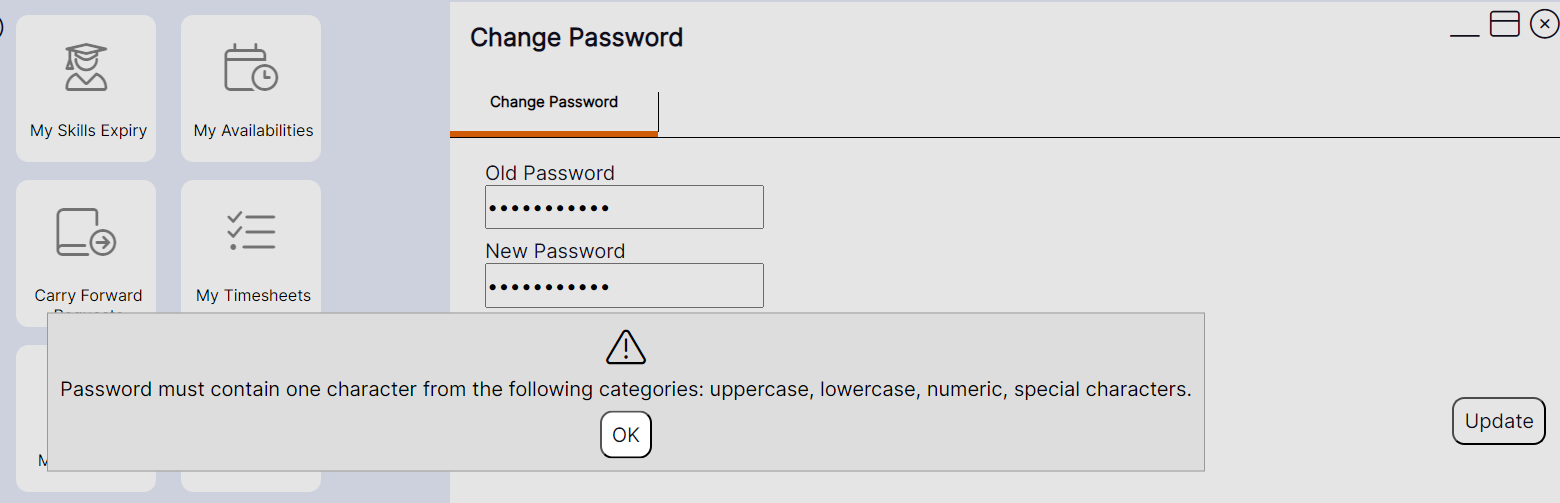
HANDY HINT - Your new password must meet the minimum requirements as follows: 8 characters including at least one number, a lowercase letter, an uppercase letter, and a special character. If this isn't met the below warning pop-up will show.
Once you have successfully changed your password you will then be logged out of the system and returned to the login page.